
Last updated: 14 September 2026. This guide is based on the Hayya platform at and Qatar Ministry of Interior (MOI) requirements as of this date. Disclaimer: This is an independent informational guide and is not affiliated with, endorsed by, or officially connected with the Qatar MOI or the Hayya portal. For current requirements, refer to the official MOI portal at portal.moi.gov.qa.
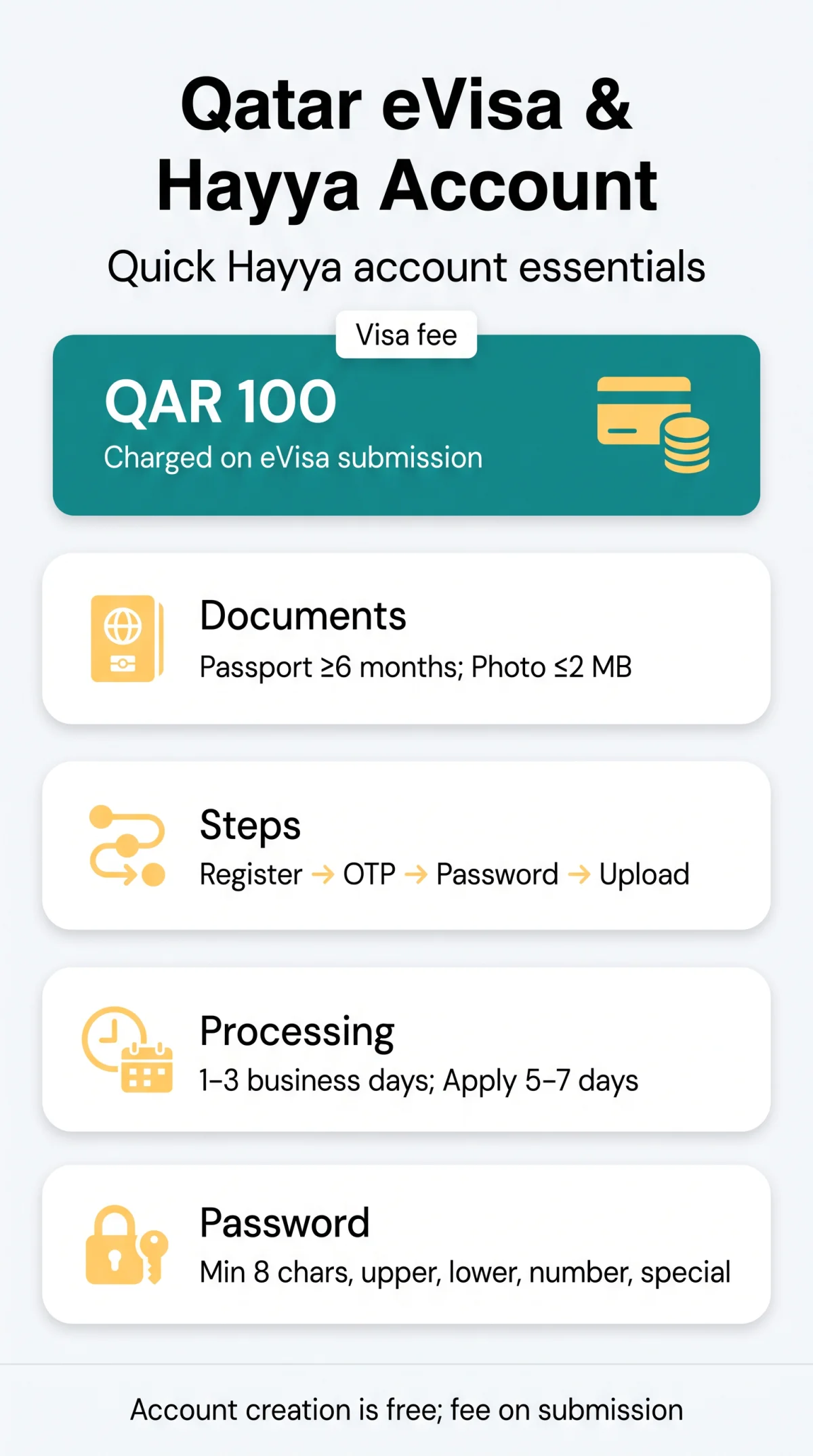
To create a Qatar eVisa account, visit , click Register, enter your email, verify with the OTP code sent to your inbox, set a password meeting complexity rules, complete your personal details, and upload your passport photo. You can reset a forgotten password via the Forgot Password link on the login page.
What Is the Hayya Platform and What Do You Need to Register?
The Hayya platform at is Qatar’s eVisa application portal for tourist (A1), GCC-resident (A2), ETA (A3), companion (A4), and US visa-free (F1) visas. British passport holders are generally eligible for visa-free entry (over 95 countries per MOI), but Qatar eVisa account creation is required for pre-approved eVisas or stays exceeding the visa-free period. Visa on arrival is available at Hamad International Airport (DOH) without a Hayya account, but the QAR 100 fee applies at the immigration counter (card) or designated bank counter (cash).
Before Qatar eVisa account creation, prepare: a valid passport with at least 6 months remaining validity from date of entry (3 months for visa-free or visa on arrival per MOI); a digital passport-format photo with white background, max 2 MB; an active email address (your login credential); an active mobile phone number; travel dates and accommodation details; and supporting documents if from a conditional-eligibility country.
How to Create Your Hayya Account Step by Step
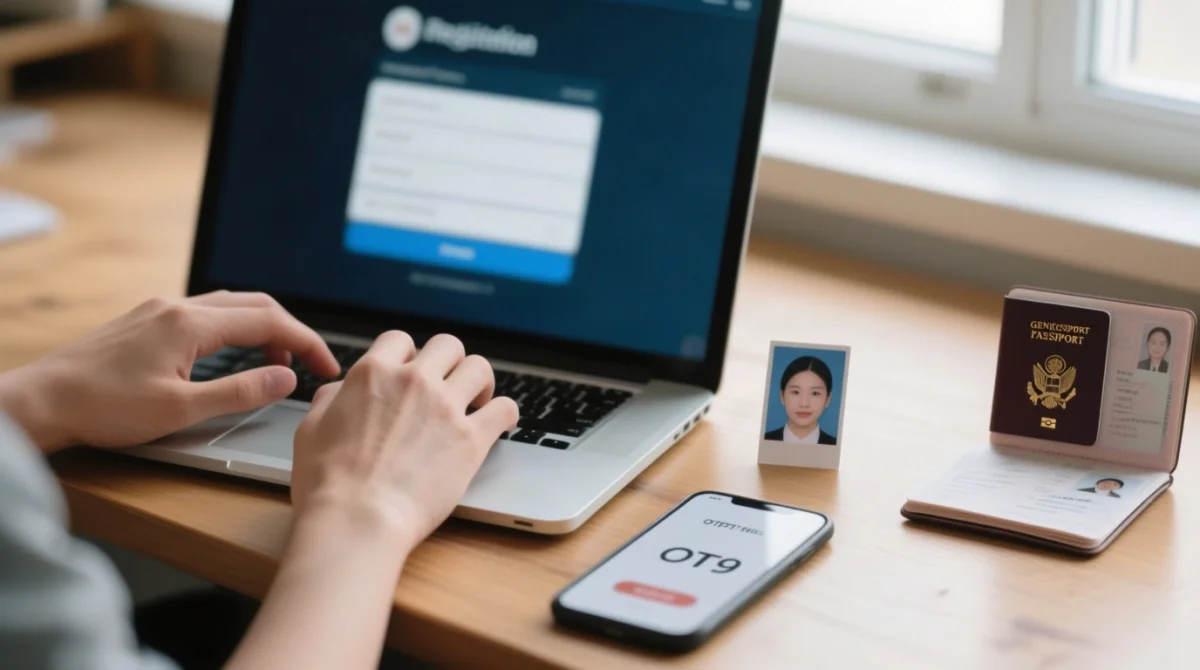
Go to the Hayya portal and click Register
Visit and click Register to begin.
Enter your email address
The system sends an OTP code to your inbox.
Enter the OTP code
Check your inbox (or spam) within the validity window. Request a new code after 5 minutes if none arrives.
Create a password
Minimum 8 characters, at least 1 uppercase letter, 1 lowercase letter, 1 number, and 1 special character.
Set a security question
Choose a question for account recovery purposes.
Complete personal details
Full name (exactly as per passport), nationality, passport number, date of birth.
Upload your passport photo and bio-data page
White background, max 2 MB photo, plus a scan of your passport bio-data page.
Confirm registration
Confirm to activate your Hayya account.
The Hayya mobile app (iOS, Google Play, Huawei App Gallery) supports the same registration flow with push notifications for application status updates. Hayya does not support Google or Apple ID single sign-on. Qatar eVisa account creation requires a dedicated email-and-password combination retained throughout your trip.
How to Log In and Reset Your Hayya Password
Go to the Hayya portal and click Login
Visit and click Login.
Enter your credentials and sign in
Enter your registered email address and password, then click Sign In to reach your Hayya dashboard.
Use Forgot Password if needed
Click Forgot Password? and enter your registered email.
Receive the reset token
A time-limited reset token is sent via email, valid for 15 to 30 minutes.
Set a new password and log in again
Click the link, set a new password meeting the same complexity rules, then log in again.
Log in with your registered email and password, not a Qatar ID or passport number. Two-factor authentication via SMS or email OTP may be triggered for sensitive actions such as changing your email or submitting an eVisa application. If you lose access to your registered phone number, contact Hayya support via the Contact us section on to update your 2FA method.
Updating Your Hayya Profile and Tracking eVisa Status
| Field | Self-editable? | How to change |
|---|---|---|
| Phone number | Yes | Dashboard → Profile → Edit |
| Email address | Yes | Dashboard → Profile → Edit (re-verification required) |
| Travel dates | Yes | Pre-submission only, in application form |
| Accommodation details | Yes | Pre-submission only |
| Passport photo | Yes | Re-upload from Profile (≤ 2 MB, white background) |
| Full name | No | Contact Hayya support; correction may require MOI |
| Nationality | No | Tied to passport data; requires support contact |
| Passport number | No | Tied to passport data; requires support contact |
| Date of birth | No | Tied to passport data; requires support contact |
After submission, your Hayya account application moves through four stages: Pending, Pending Accommodation Verification (upload accommodation voucher if required), Pending Payment (QAR 100 via credit or debit card), and Approval. Standard processing time is 1-3 business days via the electronic path; apply at least 5-7 business days before travel. The approved eVisa is delivered as a PDF via email; print a paper copy for port of entry. Track status using the application code sent after payment. Overstay incurs a fine of QAR 200 per day; see our guide on visa extension and renewal to avoid penalties.
Common Hayya Account Errors
| Error Message | Likely Cause | Fix |
|---|---|---|
| Invalid OTP code | Code expired or mistyped | Request a new code; enter within validity window |
| Email already registered | Previous account exists | Use Forgot Password to recover the account |
| Photo upload failed | File exceeds 2 MB or wrong format | Resize to ≤ 2 MB; use JPG or PNG; white background |
| Account locked | Multiple failed login attempts | Wait for cooldown period; use Forgot Password |
FAQ: Qatar eVisa Account Creation
Is the Hayya account free to create?
Yes. Creating an account on is free. The QAR 100 visa fee is charged only when you submit your eVisa application.
Do I need a Hayya account for a visa on arrival at Qatar airport?
No. Visa on arrival is processed at Hamad International Airport without a pre-existing account. Pre-registering on Hayya avoids queues and ensures your visa is pre-approved.
Can I apply for a Qatar eVisa if my passport expires in less than 6 months?
Advance eVisa applications require 6 months passport validity from entry. Visa-free entry or visa on arrival requires 3 months from arrival (MOI).
How do I delete my Hayya account and personal data?
Contact Hayya support via the Contact us section on to request account deletion and removal of uploaded passport documents.
What is the difference between a Hayya ID and a Qatar ID?
A Hayya ID is your login credential for the eVisa portal. A Qatar ID is a residency identification number issued to residents of Qatar. Tourists do not receive one.
What should I do if my OTP code does not arrive?
Check spam, retype your email address, and request a new OTP after 5 minutes. Contact Hayya support if the issue persists.
Can I change my passport number in my Hayya profile?
No. The passport number is locked to your original passport data. Contact Hayya support or re-register. Corrections may require MOI intervention.
What is the maximum file size for the passport photo upload?
The maximum file size is 2 MB. The photo must be a recent colour photograph on a white background in JPG or PNG format.