
To verify your Qatar eVisa in 2026, visit the MOI Visa Inquiry portal at portal.moi.gov.qa and enter your passport number or 15-digit visa reference number. Scan the QR code on your approved eVisa using a smartphone camera to confirm authenticity. At border control, present your passport and printed or digital eVisa for officer verification.
Last updated: 14 September 2026. This guide is for informational purposes only; always cross-check your eVisa on the MOI portal before travel.
How to Check Your Qatar eVisa Status Online
The MOI Visa Inquiry & Printing portal at portal.moi.gov.qa lets you verify Qatar eVisa status online using a passport number or visa number plus nationality and CAPTCHA. No registration is needed; results appear in under 2 minutes.
Navigate
Home → MOI Services → Inquiries → Visa Services → Visa Inquiry & Printing.
Choose a search method
Passport Number, Visa Number, or Application Number (via Visa Approval Tracking at Home → MOI Services → Inquiries → Visa Services → Visa Approval Tracking, with application date in yyyy/mm/dd format).
Complete the security verification
Picture CAPTCHA or audio verification code.
Click Submit
Submit your query to retrieve the visa record.
Review the results
Check the “Visa Number Information” section for your approved eVisa status.
Check by Passport Number
Select “United Kingdom” nationality, enter your passport number, and complete the CAPTCHA to retrieve the record. Ensure the number matches your passport MRZ line exactly to avoid a passport number match failure.
Check by Visa Number
Enter the 15-digit Qatar eVisa approval number on the MOI eVisa authentication portal with CAPTCHA to display visa validity, approval status, and expiry date.
Verify Your Qatar eVisa via the Metrash2 App
The free Metrash2 app (iOS and Android) from MOI allows Qatar eVisa verification via the Visa Services menu using a registered QID number and OTP-authenticated login. A Qatari SIM card or physical presence in Qatar is required. The app sends notifications on approval or status change.
How to Validate the QR Code on Your Qatar eVisa
QR code validation for eVisa confirms authenticity by encoding the visa number, passport number, validity dates, and issuing authority; scan eVisa QR code with any smartphone camera.
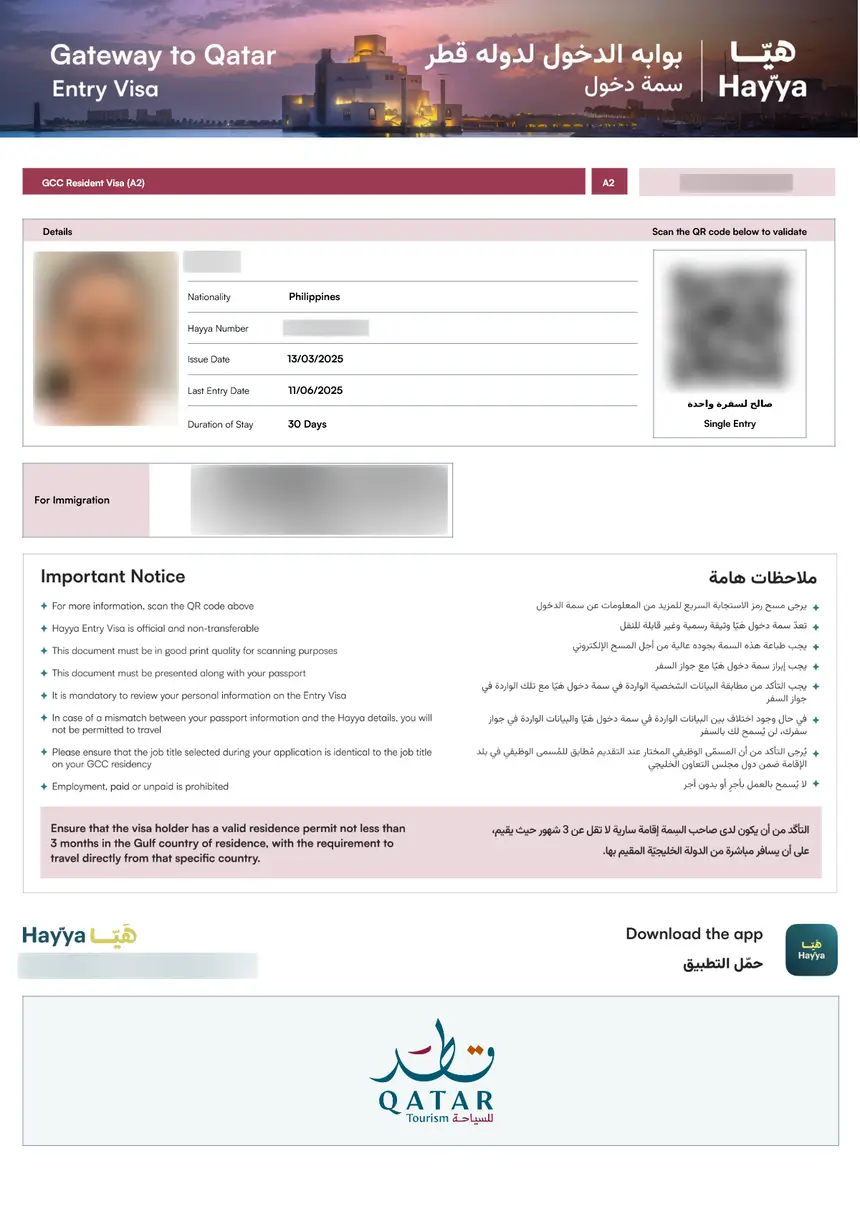
What the QR Code Contains
The QR code on your Qatar eVisa embeds four data fields: the 15-digit eVisa approval number, passport number, issuance and expiry dates, and the MOI issuing-authority identifier linked to records at portal.moi.gov.qa.
Scanning the QR Code – Step by Step
Open camera
Point your smartphone camera at the QR code on the printed or digital eVisa.
Confirm data match
Verify decoded data matches your eVisa fields and physical passport.
Check validity dates
Ensure dates match your intended travel period.
Troubleshoot if needed
If the code does not scan, check for screen glare, low print quality, or PDF scaling.
How to Print Your Approved Qatar eVisa
Print Qatar eVisa confirmation in colour on A4 paper at minimum 300 dpi so border officers can scan the QR code during the immigration clearance procedure. The MOI portal allows reprinting of issued visas at no cost; only visas with “Approved” or “Ready to Print” status are eligible for printing.
Print Quality & QR Code Readability
Qatar eVisa QR codes require minimum 300 dpi colour print on unscaled A4 paper for reliable eVisa document validation. Black and white prints may fail to scan at border control. Always test-scan the printed QR code before travelling.
How to Confirm Your Qatar eVisa Is Authentic
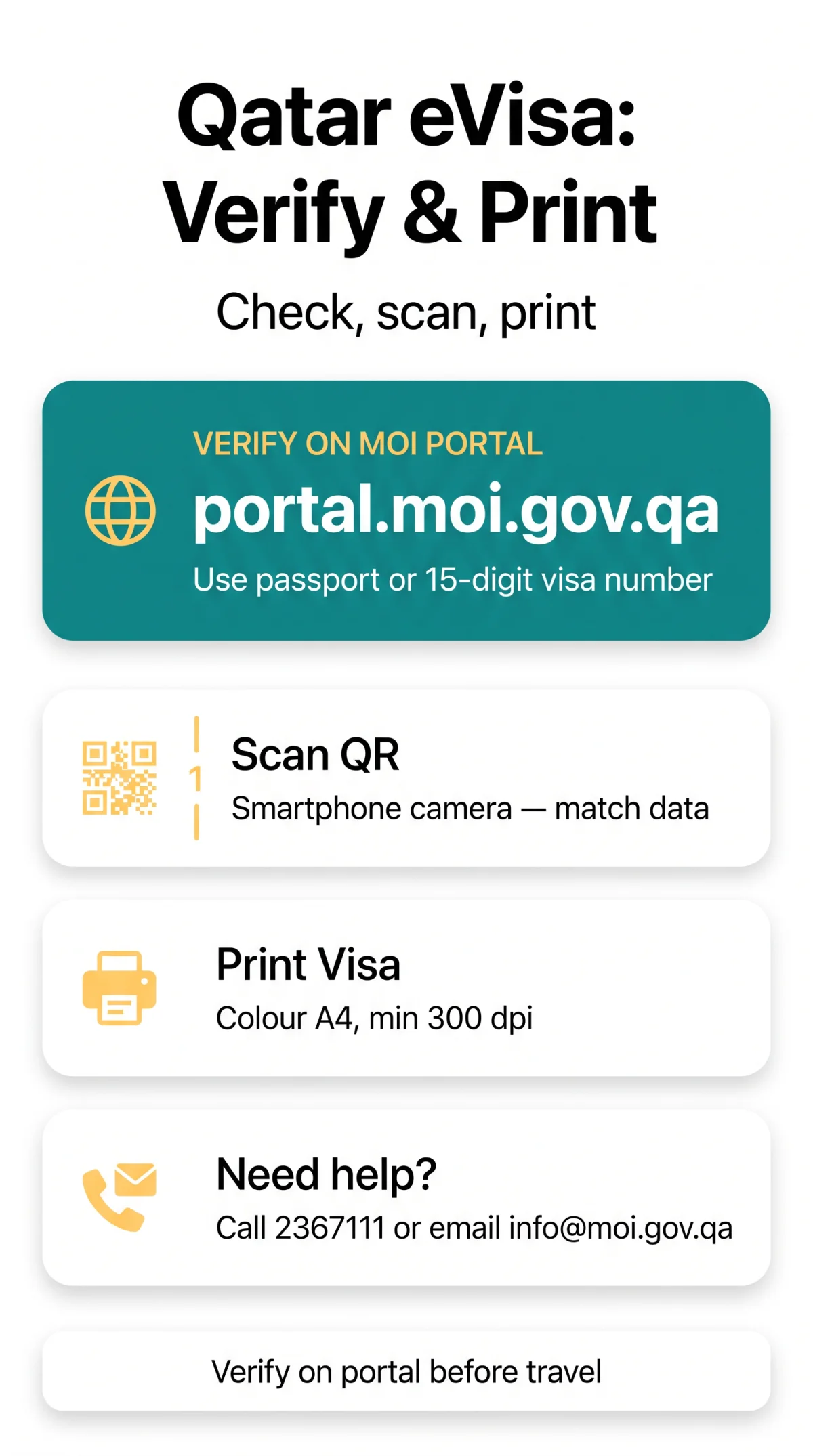
Use this 5-point Qatar visa authentication checklist to confirm eVisa issuance before travel:
- Cross-reference the eVisa record on the MOI portal at portal.moi.gov.qa using your passport or visa number.
- Match the decoded QR data against the printed eVisa fields for exact passport number match.
- Verify the issuing-authority field references the Ministry of Interior Qatar.
- Confirm the source domain of any emailed eVisa link ends in moi.gov.qa.
- Compare all eVisa data against your passport biographical details for exact matches.
If the MOI portal returns “No Record Found,” follow the 5-step escalation path: re-enter credentials, try an alternative search method (e.g., Application Number with date in yyyy/mm/dd format), contact your sponsor, call the MOI at 2367111 or email [email protected], or visit the Qatar embassy in the UK for offline verification. You can also fax the MOI at 44323339 or reach them on social media at @moi.qatar. Beware of third-party providers charging for Qatar eVisa verification; the MOI portal service is free.
Border Verification: What to Expect When Arriving in Qatar
At Hamad International Airport in Doha, border officers scan the QR code on your eVisa, capture fingerprints and iris biometrics, and stamp your passport with the permitted stay duration.
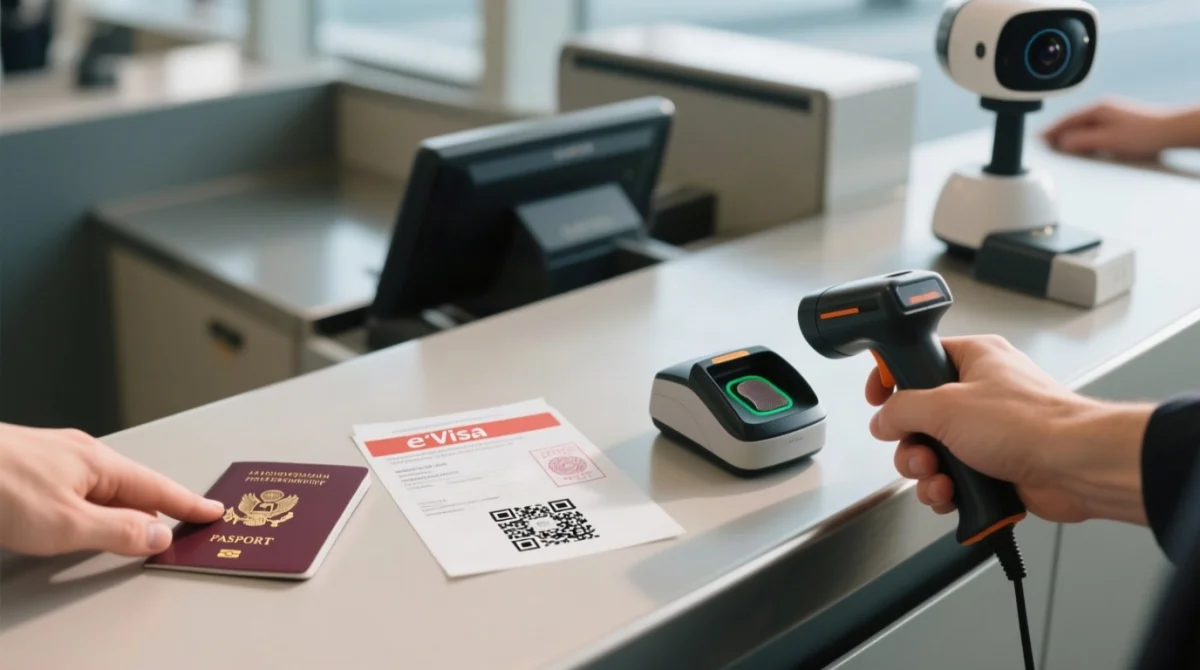
- The border officer scans the QR code on your printed or digital eVisa to authenticate it against MOI records.
- The system matches your eVisa data fields (name, passport number, nationality) against your passport.
- Officers capture fingerprint and iris biometrics for entry clearance.
- The officer stamps your passport with the permitted stay duration.
- Eligible travellers may use e-Gate for automated entry.
Airline Check-In Verification Before Departure
Airlines verify Qatar eVisa approval through the Timatic database at UK departure airports for border authority visa check. Presenting a printed eVisa prevents boarding denial. If the airline cannot confirm your eVisa, contact the MOI helpline at 2367111 or email [email protected].
Understanding Visa Dates: Entry Window vs. Stay Duration
The “entry window” is the deadline to enter Qatar after issuance, while the “permitted stay duration” is the maximum length of stay granted at immigration. Verify both for entry permit validation to avoid daily overstay fines.
Understanding Your Qatar eVisa Status Results
The MOI portal displays Qatar visa status check results including the following statuses, each requiring a different action:
| Status | Meaning & Required Action |
|---|---|
| Approved | Visa accepted and valid for travel. Print the visa and proceed. |
| Ready to Print | Visa approved and ready to download/print from the MOI portal. |
| Under Process | Application under review. Re-check after 3 days. |
| Under Security Review | Processing takes 5-10 working days. |
| On Hold | Processing paused; clarification needed. |
| Rejected | Application denied due to documentation or eligibility issues. |
| Expired | Visa validity period has ended. |
| Cancelled | Visa cancelled by applicant, sponsor, or authorities. |
The MOI portal generally updates statuses within 24 hours of a change. For residence visa applicants outside Qatar, the Qatar Visa Centre (QVC) tracks biometrics and medical checks (3-5 working days); incomplete biometrics will block visa processing.
FAQ
What should I do if my Qatar eVisa shows “No Record Found” on the MOI portal?
Follow the 5-step escalation path: re-enter credentials, try an alternative search method, contact your sponsor, call the MOI at 2367111 or email [email protected], or visit the Qatar embassy in the UK for offline verification.
What do I do if there is a name mismatch between my passport and my Qatar eVisa?
UK passport holders with hyphenated or multi-part names may face MRZ formatting differences. Email [email protected] to request a correction before travelling; a mismatch causes denial of entry at border control checks.
What is the difference between a Qatar eVisa and a visa on arrival?
eVisa is obtained before travel via the MOI portal; VOA is processed at the airport for QAR 100, requiring a round-trip ticket, hotel booking, and passport validity of 3 months. Approved eVisa holders skip VOA. Additionally, 102 nationalities enjoy visa-free entry, and GCC citizens (Bahrain, Kuwait, Oman, Saudi Arabia, UAE) enter without a visa.
How do I use the Hayya platform to verify my Qatar eVisa?
The Hayya platform was used for event visas; standard tourist eVisas are managed through the MOI portal. For standard Qatar eVisa verification, use the MOI Visa Inquiry portal at portal.moi.gov.qa to avoid checking the wrong system.
How many entries do I have left on my multi-entry Qatar eVisa?
Use the MOI Visa Inquiry portal with your passport number and nationality or 15-digit visa number plus CAPTCHA. The portal displays your visa validity period and entry conditions, indicating single or multiple entry status.
What happens if I overstay my Qatar eVisa?
Overstaying results in daily fines. The MOI portal provides a fine payment service. Understand the difference between the entry window deadline and the permitted stay duration granted at immigration.
Can I verify my Qatar eVisa at the airport if the system shows an error?
Head to the emergency verification desk at Terminal 1 arrivals in Hamad International Airport. The 24/7 immigration help point allows manual verification with your passport, printed eVisa, and booking confirmation.
Do UK citizens need health insurance to enter Qatar with an eVisa?
Qatar requires mandatory visitor health insurance for most eVisa holders. Immigration officers may verify your insurance linkage during the immigration clearance procedure. Ensure your insurance is valid and linked to your eVisa before departure.
How can I verify my Qatar visa online from the UK?
Visit the MOI Visa Inquiry portal at portal.moi.gov.qa, select “United Kingdom” nationality, enter your passport number or 15-digit visa number, complete the CAPTCHA, and click Submit. No registration is required and the service is free.