
Last updated: September 2026. Information verified against the Ministry of Interior (portal.moi.gov.qa), the Ministry of Foreign Affairs (mofa.gov.qa), and Hamad International Airport . This is a non-official travel information portal; we are not affiliated with the Qatari government.
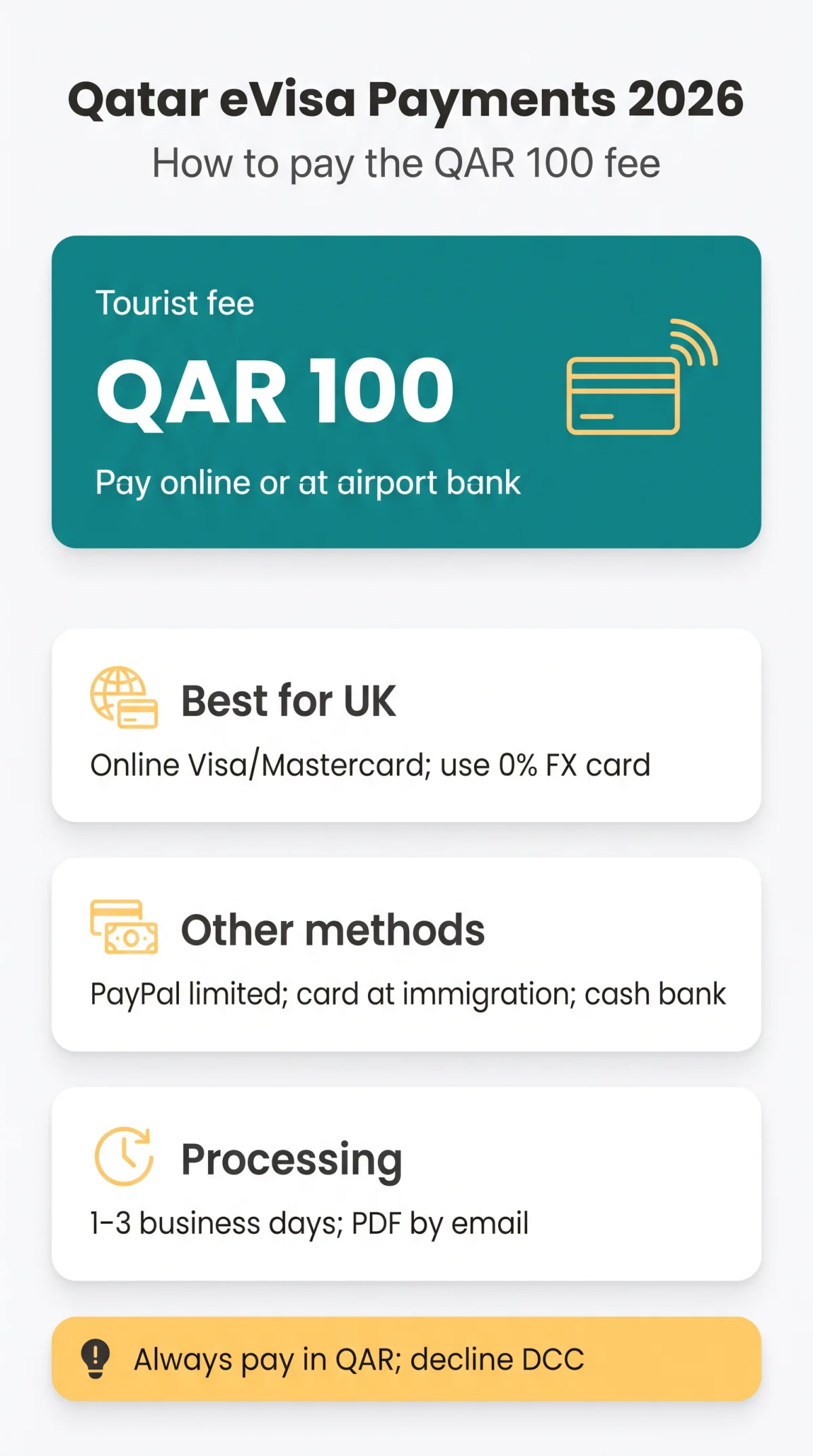
To pay the Qatar eVisa fee, visit , log in, select your visa type, upload documents, and pay the QAR 100 (around £22) fee online with a Visa or Mastercard debit or credit card. Alternatively, pay in cash at the designated bank counter before passport control at Hamad International Airport. UK travellers should use a card with no foreign transaction fees to avoid extra charges. You will receive a confirmation page and tracking code after successful payment.
Qatar eVisa Fees and Payment Methods Compared
The Tourist e-Visa costs QAR 100 (~£22), Business QAR 200, Transit QAR 100. Official/Diplomatic visas are exempt (source: mofa.gov.qa). Rate: 1 USD ≈ 3.64 QAR, per. All fees are charged in QAR through the Hayya platform.
| Visa Type | Fee (QAR) | Fee (USD approx.) | Fee (GBP approx.) |
|---|---|---|---|
| Tourist e-Visa (A1) | QAR 100 | ~$27.50 | ~£22 |
| Businessmen Visa | QAR 200 | ~$55 | ~£44 |
| Transit Visa | QAR 100 | ~$27.50 | ~£22 |
| Official / Diplomatic | Exempted | N/A | N/A |
The Qatar eVisa payment methods include four channels for settling the fee. The table below compares all options so UK travellers can choose the best route.
| Method | Where | Pros | Cons |
|---|---|---|---|
| Visa/Mastercard online | Instant confirmation, no queue | Requires 3D Secure OTP | |
| PayPal online | No card entry needed | Not available for all applicants | |
| Card at airport immigration | DOH passport control | Last-resort option | Card only, no cash accepted |
| Cash at airport bank counter | DOH, before passport control | No card required | Surcharge applies; only before immigration |
Best for UK travellers: The best Qatar eVisa payment methods for UK visitors is to pay online at with a Visa or Mastercard debit card before flying. Until the fee is settled, your application remains in “Pending Payment” status and cannot proceed to approval.
Step-by-Step Guide to Paying the Qatar eVisa Fee Online
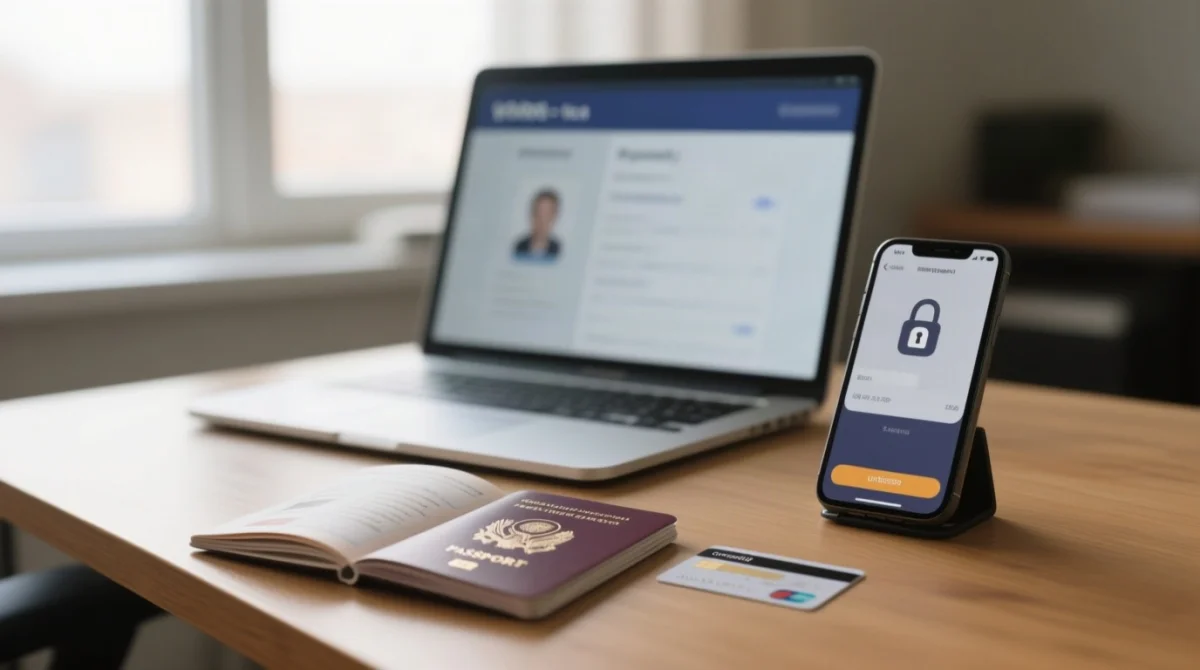
Paying the Qatar eVisa fee online takes seven steps, from login to tracking code, using an encrypted gateway with 3D Secure authentication.
Visit the Hayya platform or app
Visit the Hayya platform or open the Hayya mobile app (iOS, Android, Huawei App Gallery).
Create an account or log in
Create an account or log in to your existing account.
Select your visa type
Select your Qatar eVisa type from four categories: A1 Tourist, A2 GCC Resident, A3 ETA, or A4 Companion.
Upload required documents
Upload required documents: passport bio-data page scan, a colour photo with white background (max 2 MB), and a return or onward ticket.
Review your application summary
Review your Qatar eVisa application summary to verify name, passport number, and travel dates.
Click “Pay” and enter card details
Click “Pay” and enter card details on the secure gateway. Complete 3D Secure / OTP authentication when your bank prompts you.
Receive on-screen confirmation
Receive on-screen confirmation with your unique tracking code. Status moves to Approval.
Paying via the Hayya App vs. the Website
The Hayya app supports iOS, Android, and Huawei App Gallery. Desktop browsers are recommended for payment stability, reducing the risk of session timeouts mid-transaction. If using mobile, ensure a strong Wi-Fi or data connection.
Payment Security – What to Expect at Checkout
The payment gateway uses HTTPS encryption. Your bank triggers 3D Secure / OTP via SMS or banking app, so keep your phone ready during checkout. Card data fields are hosted on a secure third-party payment processor.
Accepted Cards, Digital Wallets, and UK Currency Tips
The Hayya platform accepts Visa and Mastercard (both credit and debit) as confirmed networks. American Express and UnionPay may also be accepted, but applicants should verify availability at checkout, as processor support can vary.
UK prepaid and fintech travel cards – Revolut, Wise, Starling, and Monzo – are accepted as long as they carry a Visa or Mastercard logo and are enabled for international online payments. Check your daily spending limit – Revolut’s default is £5,000/day, but Monzo’s standard limit is £2,000/day; if your QAR 100 fee is being declined, raise the limit in-app before retrying.
The Qatar eVisa fee of QAR 100 (≈ £22) is charged in Qatari Riyals; standard UK bank debit cards typically add a 2.75-3% foreign transaction fee. Using a 0% FX card such as Monzo, Revolut, or Starling avoids this surcharge entirely. If the gateway offers dynamic currency conversion (“Pay in GBP instead of QAR”), always decline and pay in QAR – DCC markups range from 3-5%. The billing address entered must match the card issuer’s registered address (typically your UK home address, not a hotel or Qatar address).
Can You Pay with Apple Pay, Google Pay, or PayPal?
PayPal is listed as an accepted payment option on the Hayya platform for some applicants, though availability may vary by nationality or payment processor. Apple Pay and Google Pay are not confirmed on the platform; card autofill via a mobile browser may work but is not guaranteed. Bank transfer is not accepted for Qatar eVisa payment methods.
Cash Payment at the Airport and Post-Payment Confirmation
The Qatar eVisa payment methods include a cash option at a designated bank counter located before passport control in the arrivals area of Hamad International Airport (source: ). At immigration, only cards are accepted – cash must be paid at the bank counter first, then proceed to passport control with your receipt.
Cash Payment: Step-by-Step at the Bank Counter
Locate the bank counter
Locate the designated bank counter in the arrivals area, before passport control.
Present your documents
Present your passport, application reference, and cash payment.
Pay in QAR or major currencies
Pay in QAR or major currencies (USD, EUR, GBP); a small surcharge applies to all cash transactions.
Collect receipt and proceed
Collect your payment receipt and proceed to passport control with passport, paper visa copy, and receipt.
Payment Confirmation, Tracking, and Troubleshooting
All Qatar eVisa payment methods generate a confirmation page with a transaction ID and tracking code upon success, plus an email confirmation. Status progresses through Pending, Pending Payment, then Approval. Processing takes 1-3 business days with PDF delivery by email; business travellers can download a receipt for expenses.
If payment fails: verify card details and ensure international payments are enabled. For UK cards, check your banking app for a “travel notice” or “international payments” toggle – Monzo, Revolut, and Starling require this to be ON for QAR transactions. If using a high-street bank (Barclays, Lloyds, HSBC), call their fraud line before retrying to prevent an automatic block on Qatari merchants. Complete OTP within the time limit, try a different Visa or Mastercard, clear browser cache, or contact Hayya support via . No refund policy is published as of 2026. Overstay penalties are QAR 200 per day (≈ $55), payable at the Ministry of Interior office at Doha Airport.
Editorial note: Our team verifies all visa fee and payment information against official government sources (portal.moi.gov.qa, mofa.gov.qa) and Hamad International Airport . This article contains no affiliate links and was last reviewed in September 2026.
FAQ: Qatar eVisa Payment Methods
How much is the Qatar eVisa fee in 2026?
The Tourist e-Visa costs QAR 100 (≈ £22), Business QAR 200, Transit QAR 100. Official/Diplomatic visas are exempt. All fees are charged in QAR through the Hayya platform (source: mofa.gov.qa).
Can I pay the Qatar eVisa fee in cash at the airport?
Yes, at a designated bank counter located before passport control at Hamad International Airport in Doha. At immigration, only cards are accepted – cash must be paid at the bank counter first (source: ).
Is it safe to enter my card details on the Hayya platform?
Yes. The payment gateway uses HTTPS encryption and 3D Secure / OTP authentication. Card data fields are hosted on a secure third-party payment processor.
Can I use PayPal to pay for the Qatar eVisa?
PayPal is listed as an accepted payment option on the Hayya platform for some applicants, though availability may vary by nationality or payment processor.
How long after payment is the Qatar eVisa issued?
Processing takes 1-3 business days after successful payment. The approved visa is delivered as a PDF via email. Apply at least 5 business days before your trip.
What should I do if my Qatar eVisa payment is declined?
Verify card details and ensure international payments are enabled. For UK cards, check your banking app for a “travel notice” or “international payments” toggle – Monzo, Revolut, and Starling require this to be ON for QAR transactions. If using a high-street bank (Barclays, Lloyds, HSBC), call their fraud line before retrying. Complete OTP within the time limit, try a different Visa or Mastercard, clear browser cache, or contact Hayya support via.
Is there a refund if my Qatar eVisa application is rejected?
No formal refund policy is published as of 2026 by either the Hayya platform or the Ministry of Interior. Contact Hayya support directly to enquire about a possible refund.
How early should I apply for the Qatar eVisa?
Apply and complete payment at least 5 business days before your trip. This allows sufficient time for the 1-3 business days processing and ensures you receive your PDF visa via email before departure.
What cash currencies are accepted at the airport bank counter?
The bank counter accepts QAR and major international currencies including USD, EUR, and GBP. Change is typically dispensed in QAR. Bring the exact amount or small denominations to avoid receiving large change in Qatari Riyals.
Do I pay the Qatar eVisa fee in QAR or GBP?
The fee is charged in QAR. Your bank converts the QAR amount to GBP. Use a 0% foreign transaction fee card like Monzo, Revolut, or Starling, and always decline dynamic currency conversion offers to pay in GBP.